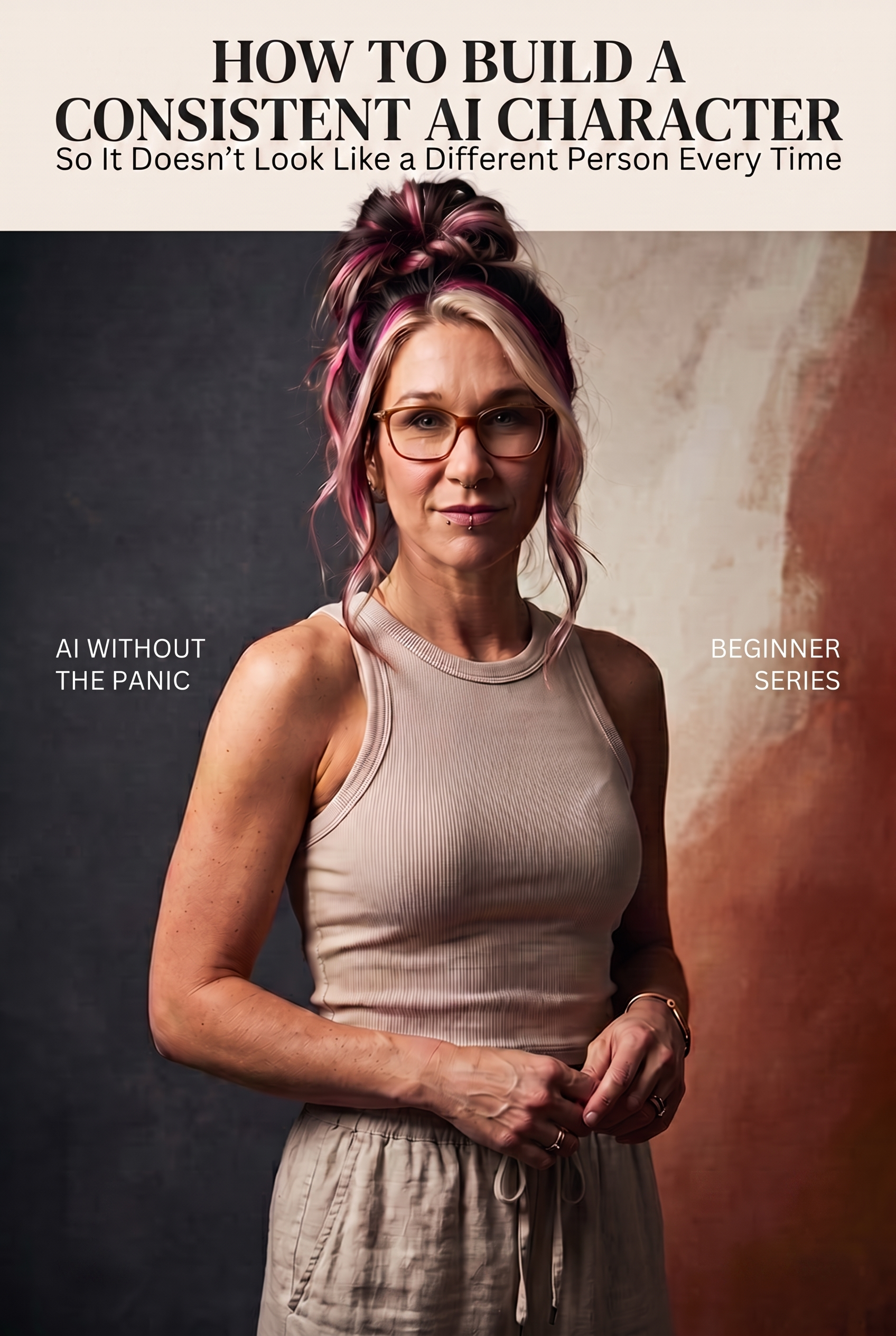
If you’ve generated more than a handful of AI images of the “same” person, you’ve probably run into this: the hair color shifts, the face looks subtly different, the skin goes flat and plasticky, and suddenly it doesn’t look like one character anymore — it looks like five different people who happen to share a hairstyle.
This is the single biggest thing that separates AI content that looks professional from AI content that looks… off. And the good news is, it’s fixable. It’s not about a better AI model. It’s about a better system.
The problem isn’t the AI. It’s the prompt.
Most people try to recreate a character by describing them in words every single time, from scratch. “A woman with blonde hair, glasses, silk dress.” The AI does its best, but it’s guessing at the details you didn’t specify, and it guesses differently every time.
The fix is to stop describing your character from memory and start locking her identity with references — and being deliberate about exactly what information you carry over from one image to the next.
Step 1: Build your identity reference set
Before you generate anything new, you need two reference images of your character:
- A close-up, face-forward reference — this locks in the facial structure and features
- A full-body reference — this locks in body type, proportions, and posture
These become your anchor. Every future image should be generated from these, not from a fresh text description.

Step 2: Stop writing prose prompts — use a structured style template instead
This is the part that actually changes everything. Instead of a paragraph of description, structure your prompt as a simple set of labeled fields:
{ "environment": "luxury hotel interior", "lighting": "window daylight", "color_palette": "cream, gold, skin tones", "outfit": "silk slip dress", "hair": "loose waves, pale gold and pink tones", "makeup": "natural glam"}
Why this works better than a sentence: it forces you to be specific about each element separately, instead of blending everything into one blurry description. And once you have a template that works, you can reuse it — just swap out the environment or outfit, and everything else (the identity, the lighting logic, the mood) stays locked.
Step 3: Avoid the mistakes that scream “AI-generated”
A few things instantly break the illusion of a real, consistent person:
- Overly smooth, plastic-looking skin — ask explicitly for visible skin texture and fine pores. “Photorealistic” alone isn’t enough of an instruction.
- Washed-out, faded color tones — vague lighting instructions produce flat, lifeless results. Be specific: “golden hour window light,” not just “nice lighting.”
- Inconsistent small details — piercings, freckles, a specific hair part. If these matter to your character, name them explicitly every time, because the AI won’t remember them on its own.
Step 4: Build a full set, not just one image
Once your reference and style template are working, generate a small set of images (a 9-image grid is a good starting target) using the same identity and the same style JSON, only changing pose or setting. This is what actually makes a character feel real — not one lucky image, but a consistent set that all clearly belong to the same person.

What this is actually useful for
This isn’t just a technical exercise. This exact method is what let me build a believable, consistent AI presence — the same “her” across dozens of images, in different settings, without the identity drifting. Whether you’re doing this for a personal brand, product content, or just want your AI experiments to look intentional instead of random, the underlying skill is the same: lock the identity, structure the style, don’t leave anything to chance.
I’m actually building this out into a full, done-for-you system with ready-made style templates and scene packs — if that’s something you’d want access to when it’s ready, keep an eye on this space. For now, everything above is enough to get real, consistent results on your own.
This one builds directly on What Is an AI Avatar? — if you haven’t started experimenting with AI avatars yet, that’s the place to begin before tackling full consistency.
Leave a Reply