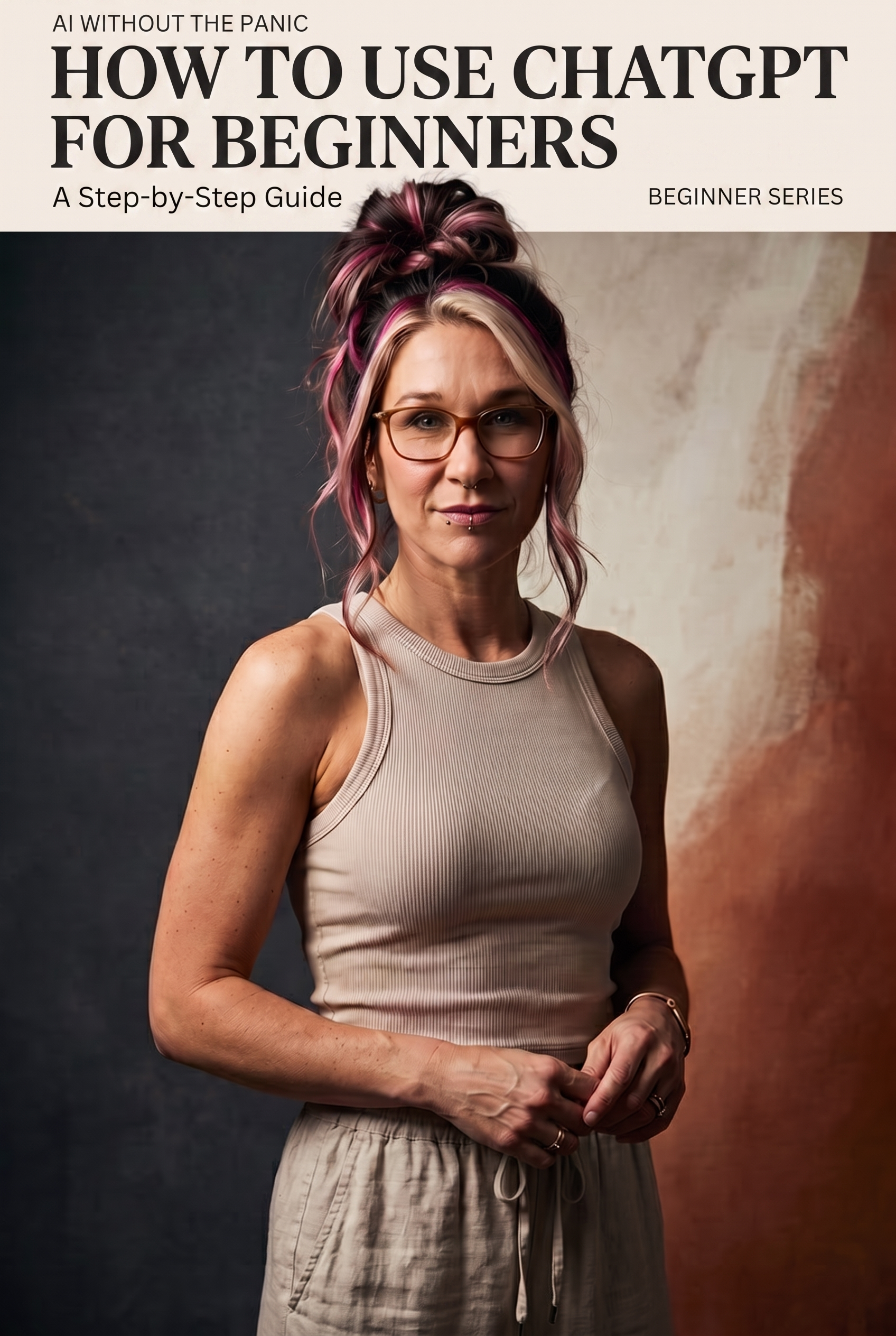
If you’ve opened ChatGPT once, stared at the empty text box, and closed the tab because you had no idea what to type — you’re not alone. That blank box is more intimidating than it has any right to be.
Here’s the good news: there’s no wrong way to start. You don’t need special commands or technical knowledge. You just need to know what to actually ask for, and that’s exactly what we’re covering here.
Step 1: Create your account (2 minutes)
Go to chat.openai.com and sign up with your email or a Google account. The free version is genuinely enough to get started — you don’t need to pay anything to follow this guide.
Step 2: Understand what you’re talking to
Think of ChatGPT as a very well-read assistant who has read an enormous amount of text, but who has never met you before. It doesn’t know your business, your preferences, or your context unless you tell it. So the results you get are only as good as the information you give it.
This single idea solves 90% of the “it gave me a useless answer” frustration beginners run into.
Step 3: Write your first prompt
Skip the pressure to write something clever. Start with something real. Try one of these:
- “Explain [a topic you’re curious about] like I’m hearing about it for the first time.”
- “Help me write a short, friendly email to [describe the situation].”
- “Give me 5 ideas for [something you’re planning].”
Notice the pattern: be specific about what you want and who it’s for. “Write me an email” gives a generic result. “Write me a short, friendly email to a client explaining a delay, without sounding overly formal” gives you something you can actually use.
Step 4: Talk back to it
This is the part most beginners miss. ChatGPT isn’t a one-shot vending machine — it’s a conversation. If the first answer isn’t quite right, tell it what to change:
- “Make this shorter.”
- “This is too formal, make it sound more like me.”
- “Can you give me a version aimed at beginners instead?”
Each follow-up refines the result. Don’t throw away a mediocre first answer and start over — just correct it.
Step 5: Build a small library of prompts that work for you
Once you find a phrasing that gets you good results for something you do often (an email style, a way you like ideas explained, a specific format), save it somewhere. Over time, this becomes your own personal shortcut system — you stop starting from zero every time.
This is actually one of the things that helped me the most early on. I didn’t build my own prompt library from scratch — I leaned on one that already existed. If you’d rather skip the trial and error, PromptBank is a resource with a large, ready-made prompt collection that I still use myself.
A few honest limits, so you’re not caught off guard
- ChatGPT can sound confident while being wrong. Double-check anything factual that matters (dates, numbers, medical or legal specifics).
- It doesn’t know anything that happened very recently unless you’re using a version with browsing enabled.
- It works best when you give it context, not when you expect it to read your mind.
What to try this week
Pick one small, real task — an email you’ve been putting off, a plan you need to think through, a topic you want explained simply — and just have the conversation. Don’t aim for a perfect prompt. Aim for a useful one, and refine from there.
Next up: How to Generate Your First AI Image — we’ll move from words to visuals.
Leave a Reply